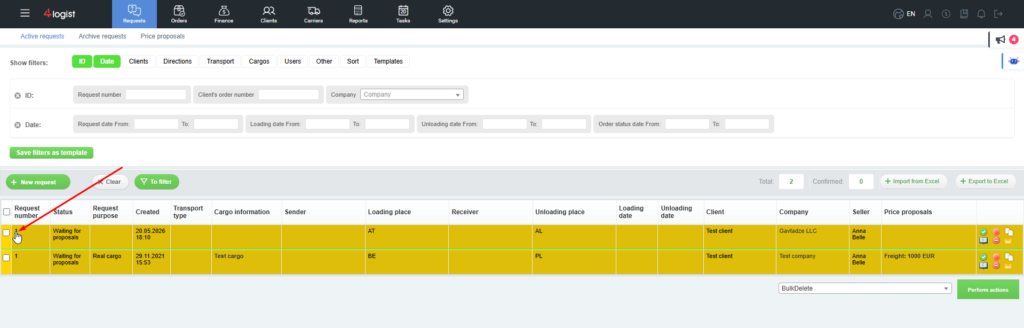
To edit a Request, select the appropriate Request.
Enter the card of the selected Request by clicking on its number or on the view icon  .
.
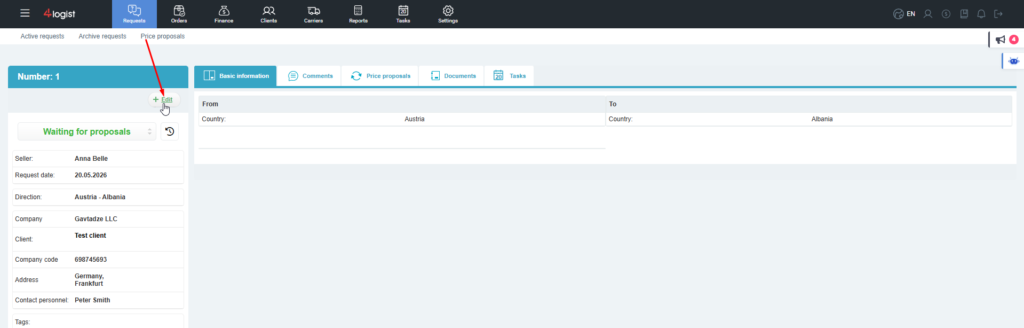
Then click the ‘Edit’ button on the left, just below the request number.
Make the necessary changes in the form that opens.
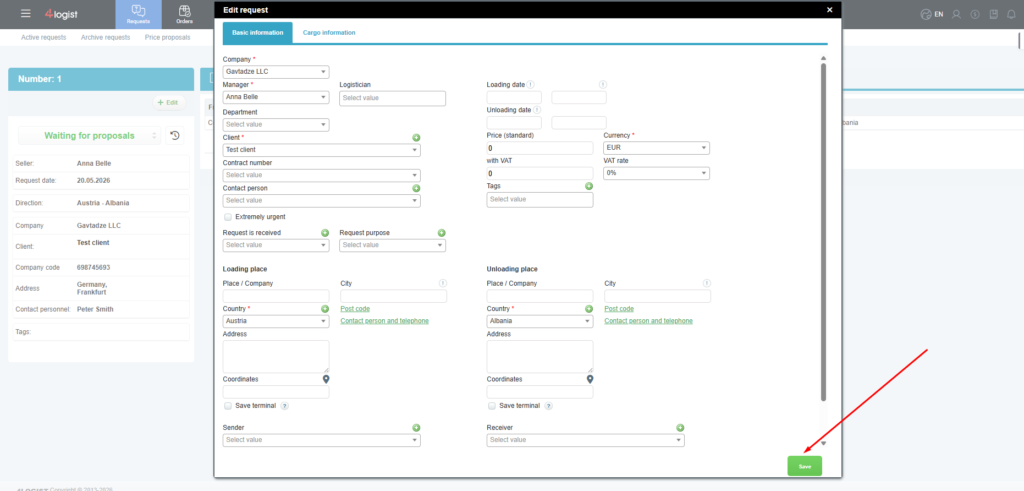
To save your changes, click the ‘Save’ button.
Was this helpful?
0 / 0