This article will help you change your login password or restore access if you have lost it.
Method 1: Self-recovery via e-mail
This method is the fastest if you forgot your current password.
- On the main page of logging in to your database, click ‘Restore password’. and enter the email specified in the user’s profile in the system (most likely your personal email)
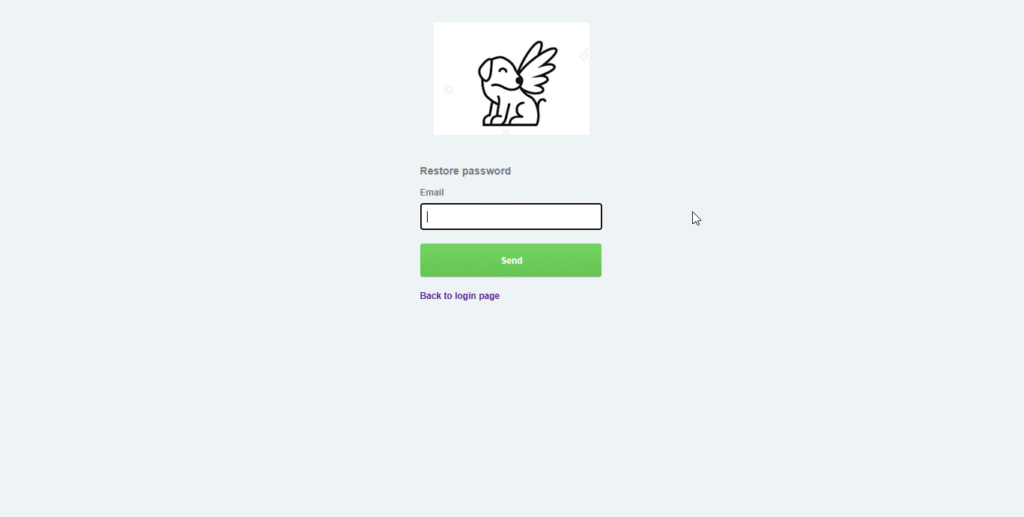
- You will receive an email with a reset link.
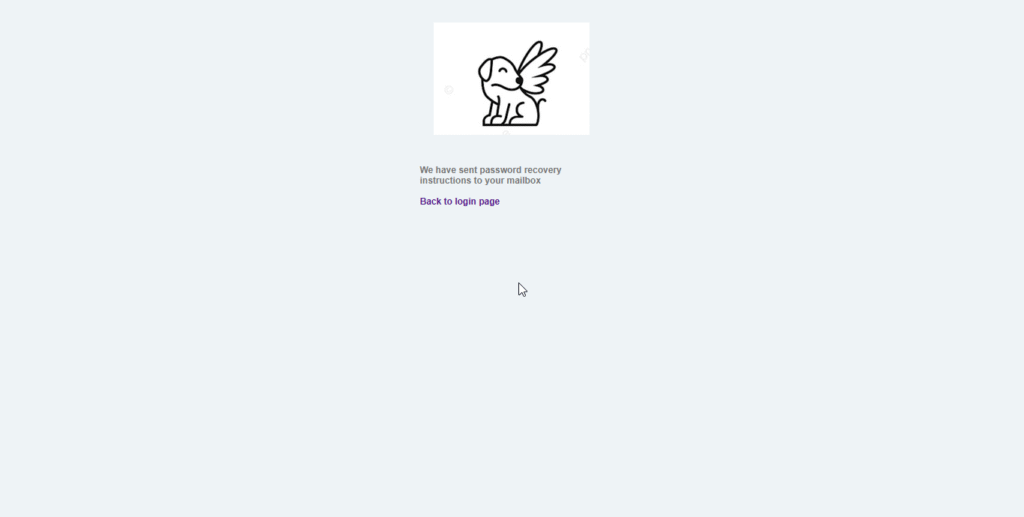
- Follow the link and enter a new password that meets the security requirements.
- After saving, go back to the login page and log in.
Шmportant rules and tips
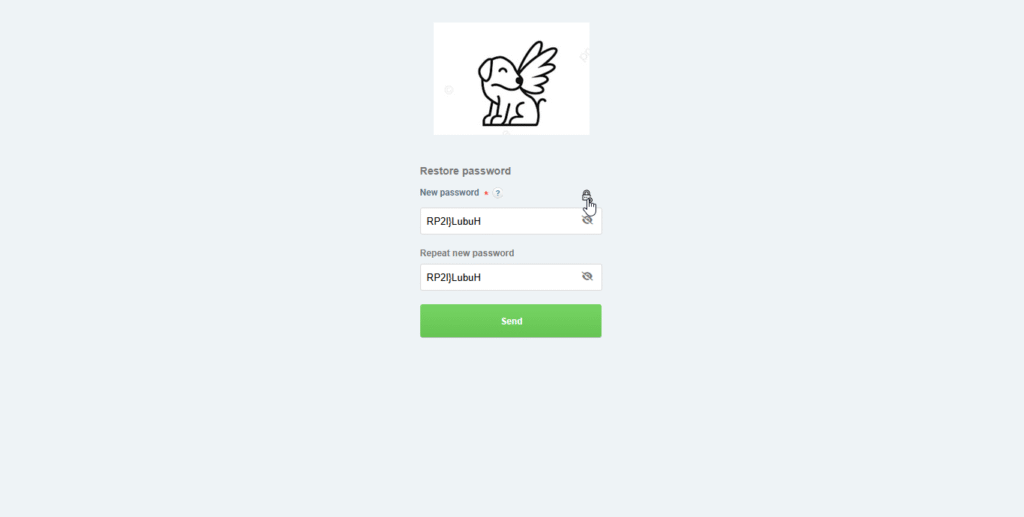
- Password requirements: At least 8 characters, numbersand upper and lower case letters are required.
- Careful with copying: we do not recommend copying passwords from other sources. If you still copy the text, make sure that there are no extra spaces at the beginning or end. .The system treats the space as a separate character, which will lead to an input error.
- Security: make sure to write down your new password in a safe place.
We recommend using the new password generation function, which will allow you to create a good and strong password:
Method 2: Through your company’s administrator
If you don’t have access to Yandex.Mail, contact the responsible employee of your company who has user editing rights.
Admin Actions:
- Go to Settings → Organization → Employees.
- Find a colleague’s profile and go to edit mode.
- Activate the’change password’ checkbox, enter a new combination, and save the changes.
- Send the new password to the employee via internal messengers.
Winikley having a hard time? If none of these methods worked, please contact our technical feed support team:help@4logist.com . we will help you quickly resolve your access issue.
Was this helpful?
0 / 0